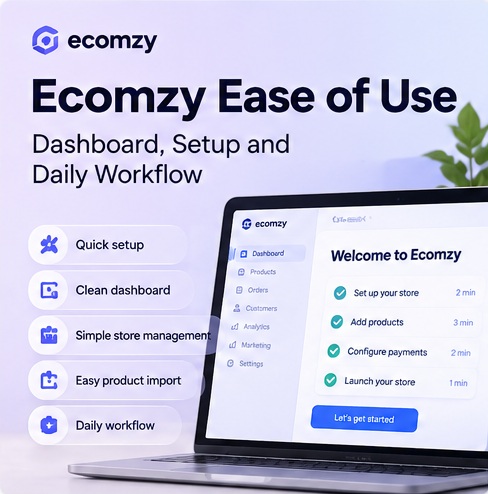
Ecomzy’s usability proposition is built around reducing setup rather than giving the owner a blank system to configure. The current public site says the store, products, payment infrastructure and other essentials are prepared in advance, while the owner works mainly through the Ecomzy account and Dashboard.
This article examines the workflow from signup to day-to-day operation. It does not judge support quality, total cost or business profitability.
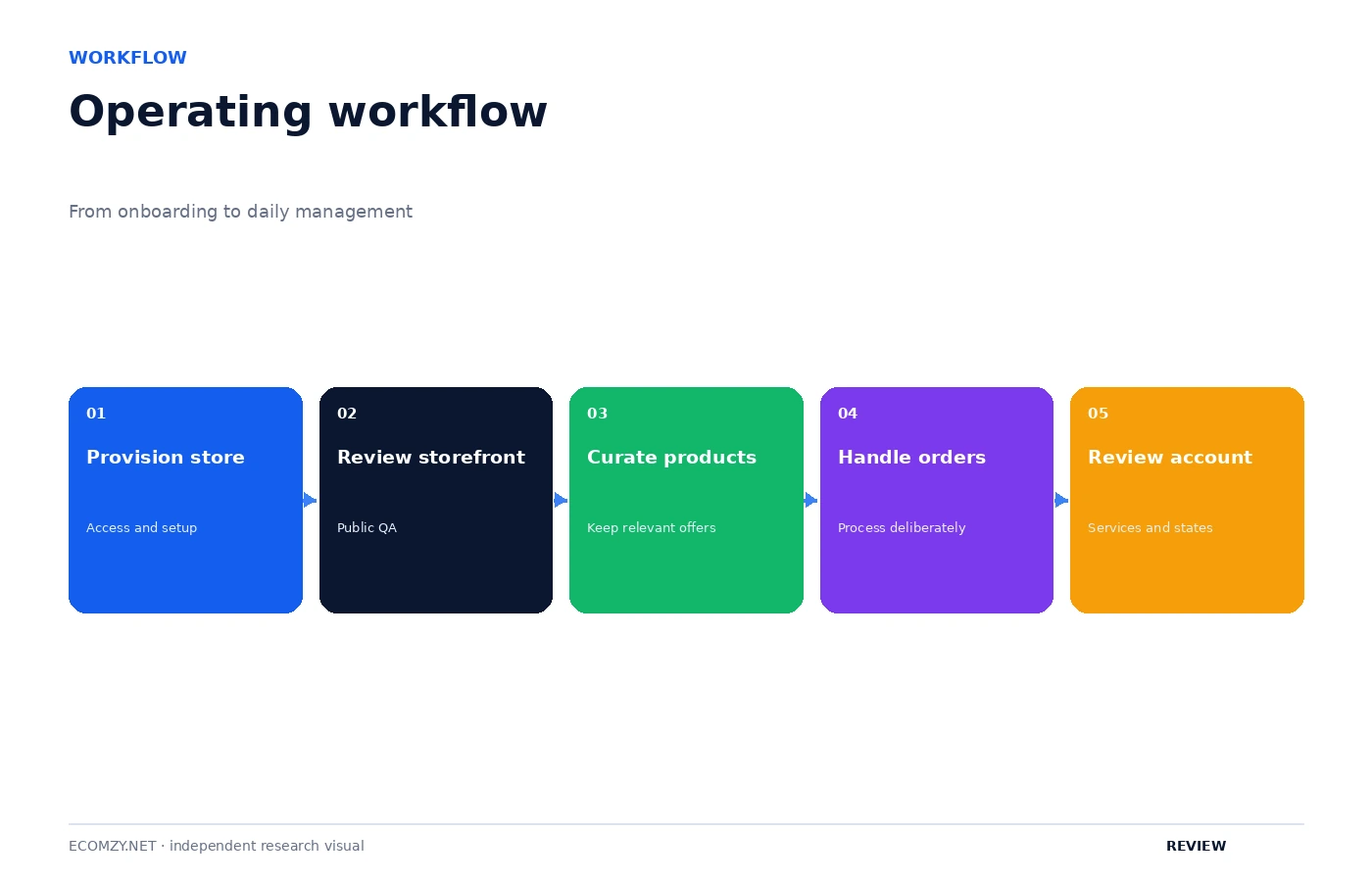
Where Ecomzy’s usability starts
Most ecommerce usability reviews begin inside a page builder. Ecomzy starts earlier because its core claim is that much of the technical setup is handled for the user.
The pricing page says no software installation is required and that the store is delivered with the necessary software already installed. It also says payment functionality is already integrated. The Terms describe the store as being built after Ecomzy receives the user’s preferences.
That means the first usability advantage is not a specific button or menu. It is the removal of several configuration tasks that would normally happen before the owner can even start operating the store.
1. Signup and store preparation
The current public materials describe signup as a process in which the user creates an account and supplies information needed to prepare the store. The Terms say the free trial begins when store access details are provided, either during a training session or through an automated email.
From a usability standpoint, this shifts complexity away from software installation and toward preference collection. The operator still needs to make choices, but the choices are framed around the resulting store rather than the technical stack underneath it.
2. The store arrives preconfigured
Ecomzy’s pricing FAQ says users do not need to install anything. The current store pages also describe a ready-to-sell environment with checkout and products already in place.
A preconfigured store can reduce the learning curve for someone who does not want to understand hosting, plugins, SSL, payment gateways and other infrastructure before seeing a functioning storefront.
However, “preconfigured” does not mean “no choices.” Owners still need to understand what they are selling, how the store is presented, which tools are enabled and how ongoing promotion will be handled.
3. The Dashboard becomes the main workspace
Once the store exists, the Ecomzy Dashboard becomes the main owner-facing environment. Ecomzy’s current public pages describe the Dashboard as the place to manage products, orders, marketing and performance information.
That centralization is important for usability because users do not have to move between a large number of disconnected services just to perform basic operating tasks.
The Dashboard is also where Ecomzy can expose optional services and Performance Tier features. That makes the interface convenient, but it also means users should distinguish between tools that are part of their current access level and tools that require an additional purchase or tier.
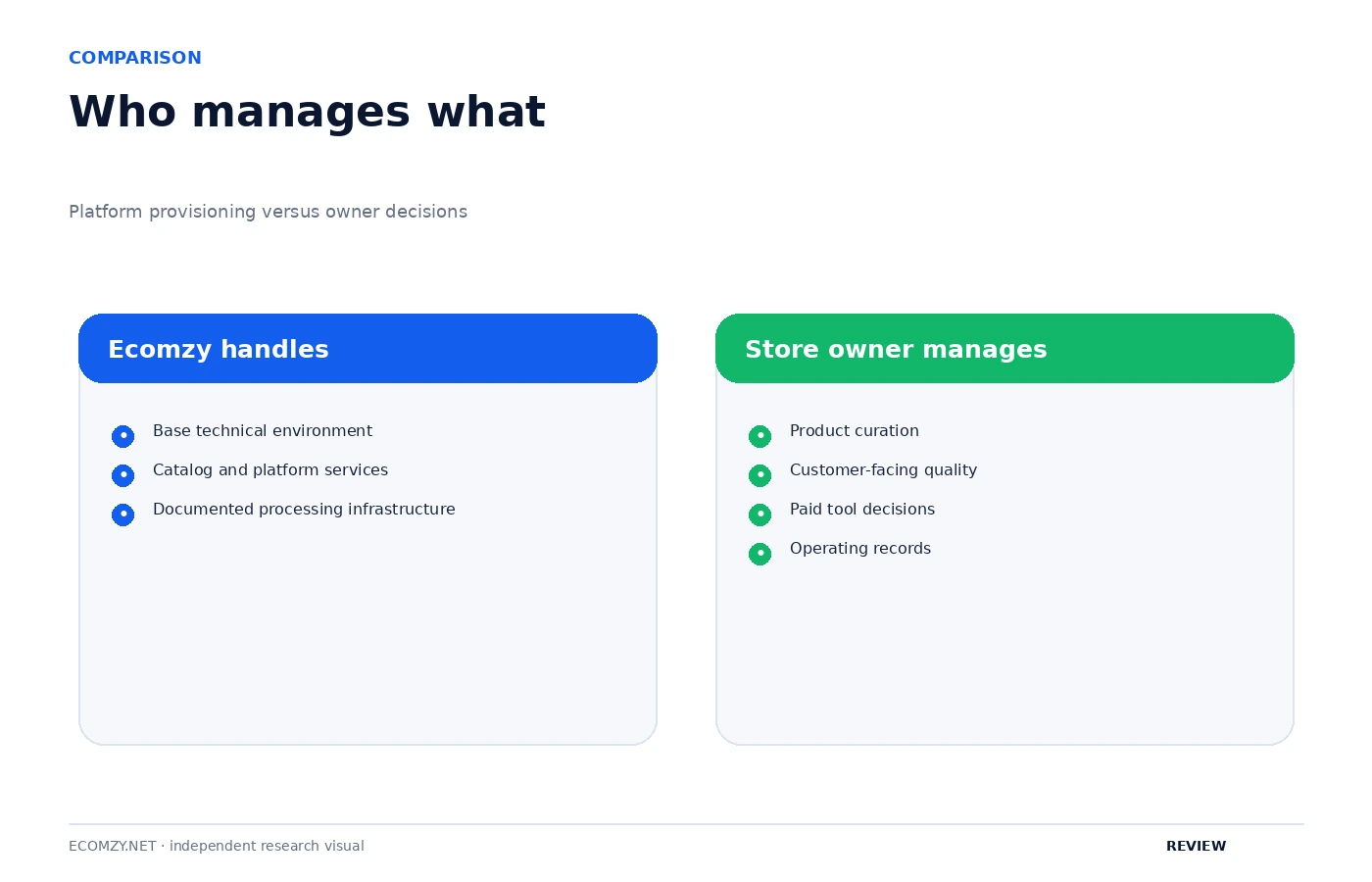
What Ecomzy handles for the user
Based on the current public offer, Ecomzy handles or supplies several parts of the technical environment:
- store infrastructure and hosting;
- domain and SSL setup within the standard offer;
- pre-integrated payment functionality;
- access to a digital-product catalog;
- owner-facing Dashboard access;
- analytics and operational information;
- platform maintenance and service infrastructure.
That list explains why Ecomzy can feel easier at the setup stage than a DIY stack. Many of the tasks that normally happen before launch are moved inside the service relationship.
What the owner still has to do
The platform does not remove the operator from the business.
The owner still has to understand the available products, make decisions about promotion, monitor performance, respond to issues that require human attention and decide how aggressively to use optional tools or services.
That distinction matters because “easy to start” and “easy to succeed” are not the same statement. Ecomzy can reduce software setup without removing the business decisions that determine how the store is operated.
Payments are designed to reduce setup friction
The current pricing FAQ says the Ecomzy payment system is installed and activated by default. For a new store owner, that removes one of the more technical setup steps found on many ecommerce platforms.
The usability benefit is not just fewer clicks. It is fewer external accounts and integrations that must be configured before checkout can function.
Operating from different devices
Ecomzy’s pricing FAQ says the store can be operated from a PC, laptop, tablet or smartphone. The public store pages also emphasize mobile-ready storefronts.
That suggests the service is intended to support owners who are not permanently tied to a desktop setup. The practical quality of the mobile experience would require hands-on testing, but the platform’s stated design goal is clearly device flexibility.
Marketing is integrated, but still requires decisions
Ecomzy now places major emphasis on built-in marketing tools and AI influencers. From a usability perspective, integrating marketing into the same ecosystem can reduce the need to connect external tools.
But integrated does not mean automatic in every sense. The owner still has to decide which products to promote, which tools to activate, how much to spend on optional services and how to interpret performance.
Where the learning curve moves
Ecomzy reduces the learning curve around infrastructure, but some complexity moves into understanding the platform’s own structure.
A user may not need to learn server management or payment-gateway integration. Instead, they need to understand the Ecomzy account, subscription structure, Performance Tiers, optional services, product catalog and marketing tools.
That is still a learning curve, just a different one.
The overall usability picture
Ecomzy’s current user experience is designed to make starting simpler by supplying a working environment instead of a blank canvas. The main usability benefits are preconfigured infrastructure, centralized account tools and fewer external integrations.
The main learning work then shifts to operating within Ecomzy’s own ecosystem: understanding the Dashboard, products, marketing options, plan structure and service rules.
FAQ
Do I need to install software to use Ecomzy?
The current pricing FAQ says no; the store is delivered with the necessary software already installed.
Do I need to configure a payment gateway myself?
Ecomzy’s pricing FAQ says its payment system is installed and activated by default.
Can Ecomzy be operated from a phone?
The pricing page says users can operate from a PC, laptop, tablet or smartphone.
Is Ecomzy completely hands-off?
No. The platform can reduce technical setup, but the owner still has to make product, marketing and operating decisions and monitor performance.
Sources
Public materials checked September 28, 2026.
Join the discussion
Share a question, correction or useful experience related to this article. First-time comments may be held for moderation.