
Choosing products for an Ecomzy store is a curation problem, not a capacity problem. The current Terms say users can access thousands of Ecomzy Catalog products and that a new turnkey store can start with 50 random Ecomzy products already uploaded. At the same time, the PRO plans allow far more products than most new stores need. The practical challenge is therefore to narrow a broad source catalog into an assortment that makes sense to one audience, is easy to navigate and has clear customer expectations.
1. Define the customer problem before browsing the catalog
Begin with a sentence that describes the customer rather than a category name. “People who want practical tools for job searching” is more useful than “career.” “Parents who want short planning resources” is more useful than “family.” A narrow problem statement creates a filter for every later decision. If a product does not help that customer accomplish the intended outcome, there needs to be a specific reason for keeping it.
This prevents the store from becoming a random reflection of the platform catalog. Ecomzy can maintain a broad catalog because it serves many possible storefronts. Your storefront has a different job: it should help one visitor understand why these products belong together. Product selection is the step that translates platform breadth into store identity.
2. Audit the default 50 before importing anything else
Because the Terms describe the starter set as random, treat those products as onboarding material rather than a final assortment. Export or list the current products and mark each one as keep, maybe or remove. Do not make the decision based only on whether the image looks good. Read the product page, identify the actual digital format or access expectation, check how the price sits next to neighboring products and ask whether the item strengthens the store’s theme.
A product that is individually reasonable can still weaken the assortment if it introduces a completely different customer problem. The purpose of the first audit is to create coherence, not to judge the entire Ecomzy Catalog. It is acceptable to remove a technically usable product simply because it does not belong in the store you are building.
3. Use a six-filter shortlist
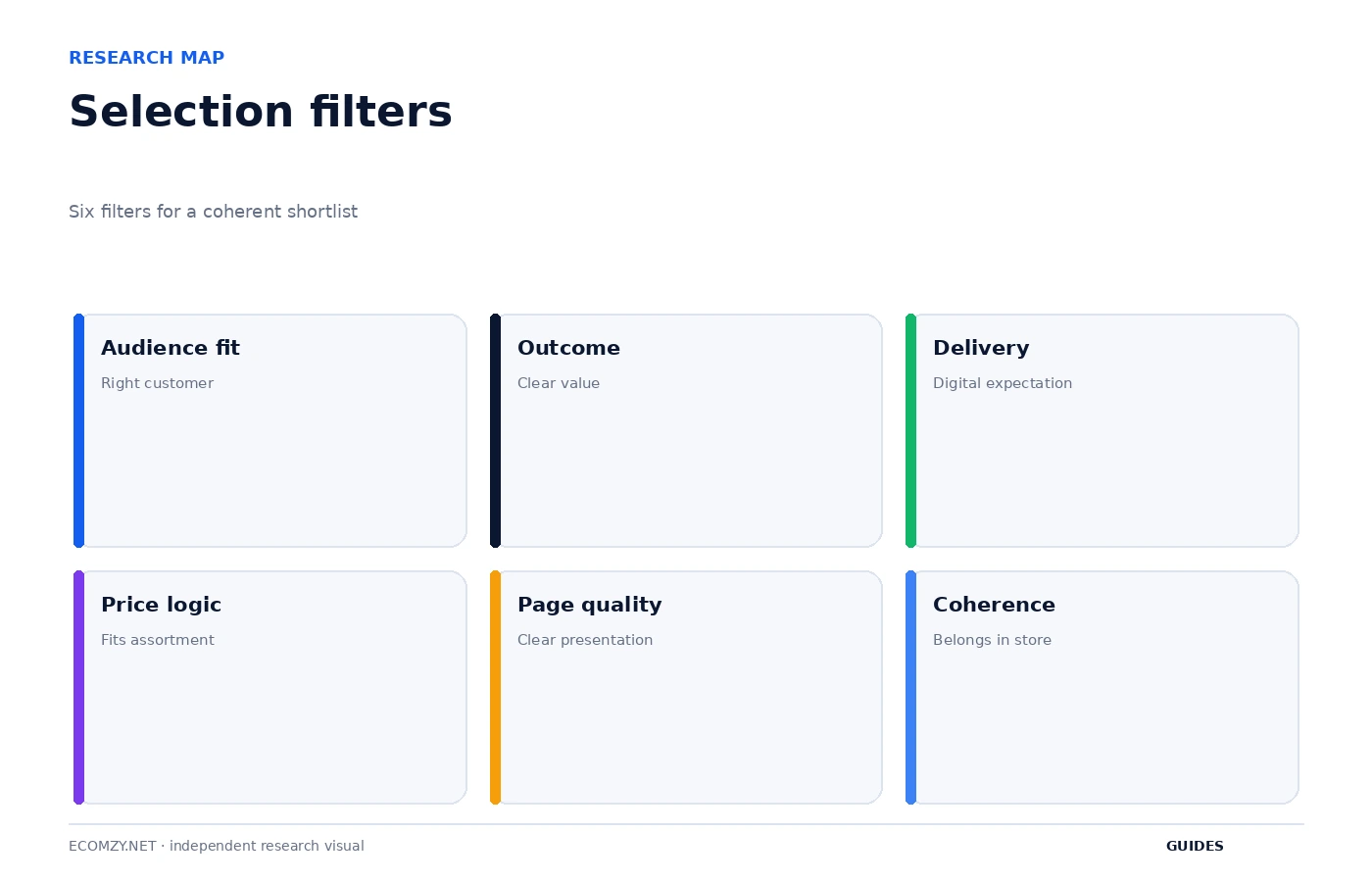
A practical shortlist can use six filters: audience fit, clear customer outcome, understandable digital delivery, price logic, page quality and store coherence. The first three determine whether the product belongs at all. The final three determine whether the product can be presented cleanly alongside the rest of the catalog. A product should not survive the shortlist simply because it has attractive artwork or a high headline price.
Write the reason for each shortlisted item in one sentence. If the reason is vague, the product is not ready to import. This sounds slow, but it is faster than importing hundreds of items and then trying to reverse-engineer a strategy from the resulting storefront. Selection discipline reduces later navigation work, support confusion and inconsistent messaging.
4. Check the digital delivery expectation
Current Ecomzy public materials position the storefront around digital products, and the Fulfillment Policy says Ecomzy offers digital products and services. The Terms give examples of digital fulfillment such as gated downloads, license or key provisioning, secure hosting and LMS enrollment where applicable. You do not need to know the infrastructure behind every product, but the customer-facing page should make the expected format and access path understandable.
When evaluating a product, ask what the buyer believes will happen after checkout. Is it a downloadable resource, an online-access product, a course-like experience or another digital format? If the page creates ambiguity, either improve the presentation where the store permits it or leave the item out until the expectation is clear. Product selection includes support risk: unclear delivery can turn a reasonable product into a recurring customer-service problem.
5. Build price bands instead of isolated prices
Do not evaluate price in isolation. Look at the store as a shelf: what will a visitor see when comparing several nearby products? A coherent assortment usually has recognizable entry, middle and premium price bands rather than random jumps with no explanation. You are not changing Ecomzy’s underlying economics here; you are deciding which products should sit next to each other in the live store.
Price coherence is especially useful when several products address similar problems. If one item is much more expensive, the page should make the additional scope or value understandable. If two items appear nearly identical but have very different prices, the store owner should investigate before promoting both. Selection is partly the removal of avoidable confusion.
6. Import in batches small enough to review
The Terms establish that products are available for import, but the useful operating rule is to import in controlled groups. A batch of five to twenty products is easier to review than hundreds of simultaneous additions. After a batch is imported, inspect the live category pages, titles, images, descriptions, prices and mobile layout before moving on to the next group.
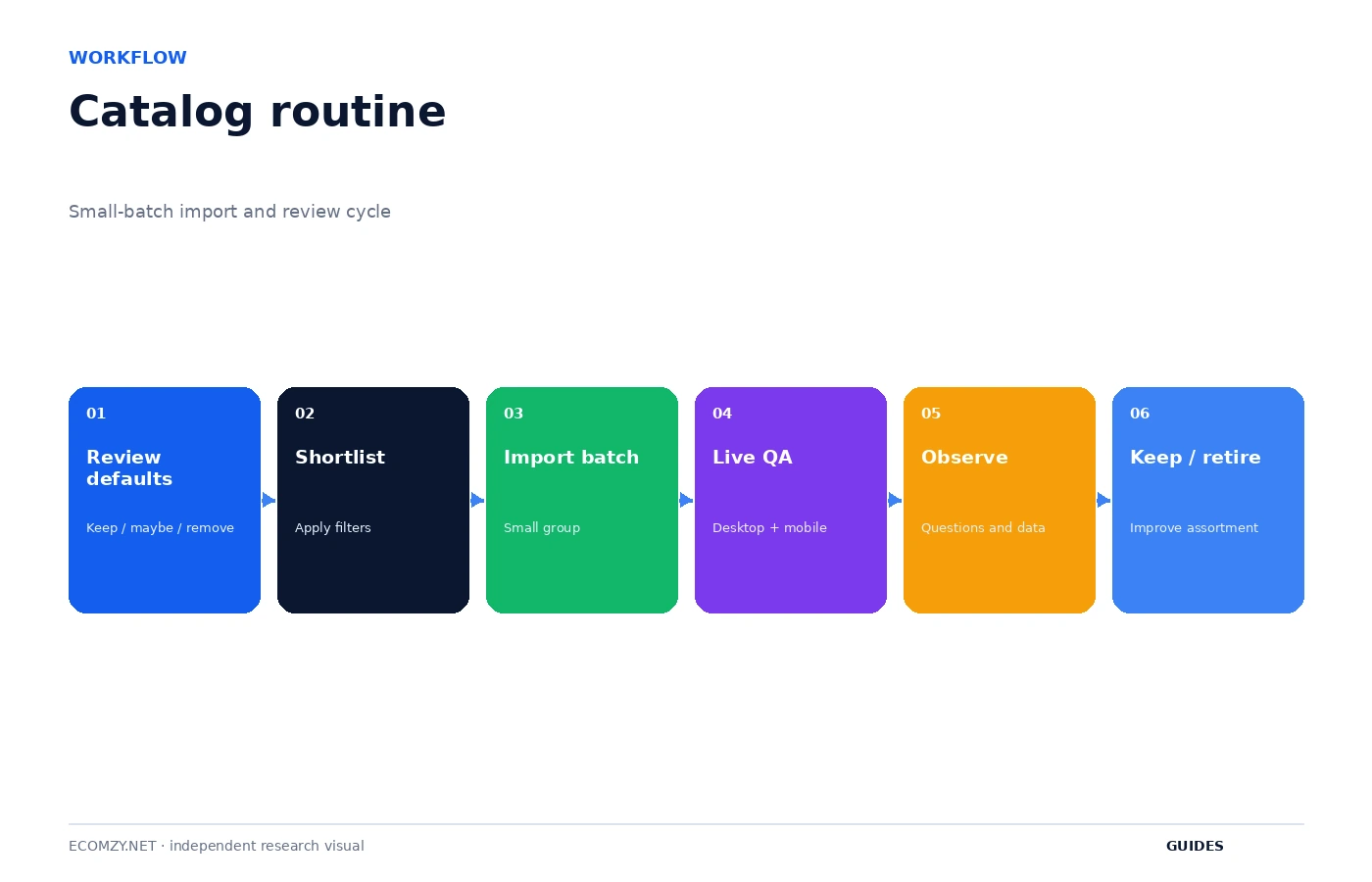
Batching gives you a rollback point. If navigation becomes cluttered or a set of pages looks inconsistent, you know which recent group introduced the problem. It also prevents a maximum plan capacity from becoming a psychological target. The Basic, Advanced and Ultimate product limits are ceilings, not a requirement to fill the store.
7. Review the customer-facing page, not only the catalog card
A catalog preview and a live storefront page answer different questions. The catalog card helps you discover the item. The storefront page shows how a customer will actually understand it inside your theme. After importing, open the public page in a private browser, read the title and description without platform context, and check whether the call to action and delivery expectation are obvious.
Also verify related products and category placement. A strong product can be effectively invisible if it is placed under an unintuitive label. Conversely, a product can dominate a category even when it is a weak fit. Store organization is part of product selection because every imported item changes how customers navigate the assortment.
8. Separate product capacity from merchandising strategy
Ecomzy’s current Terms list product caps that reach thousands of items depending on PRO plan. Those numbers are infrastructure capacity. Merchandising strategy is the smaller question of how many products a particular store can present coherently. A new store should not upgrade or import solely because a plan advertises a higher ceiling.
Capacity becomes relevant when a deliberate assortment is actually approaching the current plan limit. Until then, track active products, not unused slots. A store with 80 carefully chosen products can be operationally stronger than a store with 800 unrelated ones, even though both are technically far below the platform ceiling.
9. Create a keep, improve, retire rule
Every product should have a future review condition. Keep products that fit the store and do not create avoidable confusion. Improve products whose presentation can be clarified without changing the underlying offer. Retire products that repeatedly attract the wrong audience, create support ambiguity or no longer fit the store’s direction. This turns curation into a routine rather than a one-time cleanup.
Use evidence cautiously. A product with no orders after a short period is not automatically bad if traffic is low. A product with customer questions is not automatically bad if the questions reveal a fixable description problem. The purpose of the rule is to make decisions explicit, not to create a mechanical sales threshold that the public Ecomzy documentation does not support.
10. Run a monthly assortment review
Once a month, compare the live store with the catalog decisions you intended. Look for categories that have become too broad, products that duplicate one another, listings that are no longer clearly explained and recent imports that never passed a full mobile check. Confirm that promotional content still points to products that are live.
This monthly review is also the right time to look for new catalog opportunities. Start with a gap in the existing assortment and then browse the Ecomzy Catalog for something that fills it. That reverses the common pattern of discovering a product first and inventing a reason for it afterward. The store’s customer problem should drive catalog expansion.
Frequently asked questions
How many Ecomzy products should I start with?
There is no documented optimal number. Review the default starter set, keep the products that fit, and expand in controlled batches.
Should I fill my PRO product limit?
No. The limit is capacity, not a merchandising recommendation.
Are Ecomzy products digital?
Current Ecomzy public materials and the Fulfillment Policy describe the current offering around digital products and services.
What is the safest way to import more products?
Use small batches, review every live page and category after the import, and keep a record of what was added.
Where to go next
- How to Manage Your Ecomzy Store Day to Day
- Ecomzy Getting Started Guide
- How the Ecomzy Product Catalog Works
Official sources reviewed
Build category balance deliberately
Review the number of products in each live category. One category with dozens of items and another with two unrelated items can make the store feel accidental. Category balance does not mean equal counts; it means every category has a clear reason to exist and enough relevant products to help a visitor make a choice.
Review this item on a fixed cadence and record only changes that affect access, money, customer experience or the next operational state. The purpose of the guide is to create a repeatable decision process, not to add more routine work than the store actually needs.
Use a product-review queue
Keep newly imported products in a short review queue for the first week after import. Reopen the live page, check internal links, note customer questions and decide whether the item belongs permanently. A temporary review queue prevents a trial import from silently becoming permanent catalog clutter.
Review this item on a fixed cadence and record only changes that affect access, money, customer experience or the next operational state. The purpose of the guide is to create a repeatable decision process, not to add more routine work than the store actually needs.
Operating review note
At the end of each review cycle, compare the current account state with the dated baseline you created earlier. Identify what changed, which change was intentional and which object now requires the next action. If a paid or irreversible action is involved, verify the current Dashboard disclosure and current Terms before proceeding.
Keep the record concise. A useful operating note contains a date, object, state, expected next event and action owner. This structure remains useful even if Ecomzy changes menu labels or redesigns the interface because it describes the workflow rather than a particular screenshot.
Operating review note
At the end of each review cycle, compare the current account state with the dated baseline you created earlier. Identify what changed, which change was intentional and which object now requires the next action. If a paid or irreversible action is involved, verify the current Dashboard disclosure and current Terms before proceeding.
Keep the record concise. A useful operating note contains a date, object, state, expected next event and action owner. This structure remains useful even if Ecomzy changes menu labels or redesigns the interface because it describes the workflow rather than a particular screenshot.
Operating review note
At the end of each review cycle, compare the current account state with the dated baseline you created earlier. Identify what changed, which change was intentional and which object now requires the next action. If a paid or irreversible action is involved, verify the current Dashboard disclosure and current Terms before proceeding.
Keep the record concise. A useful operating note contains a date, object, state, expected next event and action owner. This structure remains useful even if Ecomzy changes menu labels or redesigns the interface because it describes the workflow rather than a particular screenshot.
Operating review note
At the end of each review cycle, compare the current account state with the dated baseline you created earlier. Identify what changed, which change was intentional and which object now requires the next action. If a paid or irreversible action is involved, verify the current Dashboard disclosure and current Terms before proceeding.
Keep the record concise. A useful operating note contains a date, object, state, expected next event and action owner. This structure remains useful even if Ecomzy changes menu labels or redesigns the interface because it describes the workflow rather than a particular screenshot.
Operating review note
At the end of each review cycle, compare the current account state with the dated baseline you created earlier. Identify what changed, which change was intentional and which object now requires the next action. If a paid or irreversible action is involved, verify the current Dashboard disclosure and current Terms before proceeding.
Keep the record concise. A useful operating note contains a date, object, state, expected next event and action owner. This structure remains useful even if Ecomzy changes menu labels or redesigns the interface because it describes the workflow rather than a particular screenshot.
Operating review note
At the end of each review cycle, compare the current account state with the dated baseline you created earlier. Identify what changed, which change was intentional and which object now requires the next action. If a paid or irreversible action is involved, verify the current Dashboard disclosure and current Terms before proceeding.
Keep the record concise. A useful operating note contains a date, object, state, expected next event and action owner. This structure remains useful even if Ecomzy changes menu labels or redesigns the interface because it describes the workflow rather than a particular screenshot.
Operating review note
At the end of each review cycle, compare the current account state with the dated baseline you created earlier. Identify what changed, which change was intentional and which object now requires the next action. If a paid or irreversible action is involved, verify the current Dashboard disclosure and current Terms before proceeding.
Keep the record concise. A useful operating note contains a date, object, state, expected next event and action owner. This structure remains useful even if Ecomzy changes menu labels or redesigns the interface because it describes the workflow rather than a particular screenshot.
Operating review note
At the end of each review cycle, compare the current account state with the dated baseline you created earlier. Identify what changed, which change was intentional and which object now requires the next action. If a paid or irreversible action is involved, verify the current Dashboard disclosure and current Terms before proceeding.
Keep the record concise. A useful operating note contains a date, object, state, expected next event and action owner. This structure remains useful even if Ecomzy changes menu labels or redesigns the interface because it describes the workflow rather than a particular screenshot.
Operating review note
At the end of each review cycle, compare the current account state with the dated baseline you created earlier. Identify what changed, which change was intentional and which object now requires the next action. If a paid or irreversible action is involved, verify the current Dashboard disclosure and current Terms before proceeding.
Keep the record concise. A useful operating note contains a date, object, state, expected next event and action owner. This structure remains useful even if Ecomzy changes menu labels or redesigns the interface because it describes the workflow rather than a particular screenshot.
Join the discussion
Share a question, correction or useful experience related to this article. First-time comments may be held for moderation.